Table of contents Toc Icon
Table of contents Toc Icon
The U.S. accounting workforce has a significant share of experienced professionals. According to the U.S. Bureau of Labor Statistics, about 875,000 accountants and auditors were aged 45 or older in 2025, representing nearly half of the profession’s 1.77 million workers. The median age of accountants and auditors was 44.7 years.
For many of these professionals, QuickBooks Desktop has been part of their accounting workflows for years. They know the interface, reporting capabilities, integrations, and processes built around it. However, evolving client expectations, remote workforce requirements, cybersecurity risks, and increasing workloads are pushing accounting firms toward more flexible and scalable technology.
This creates a challenge: how do experienced accountants modernize their technology without abandoning the QuickBooks Desktop environment they already know?
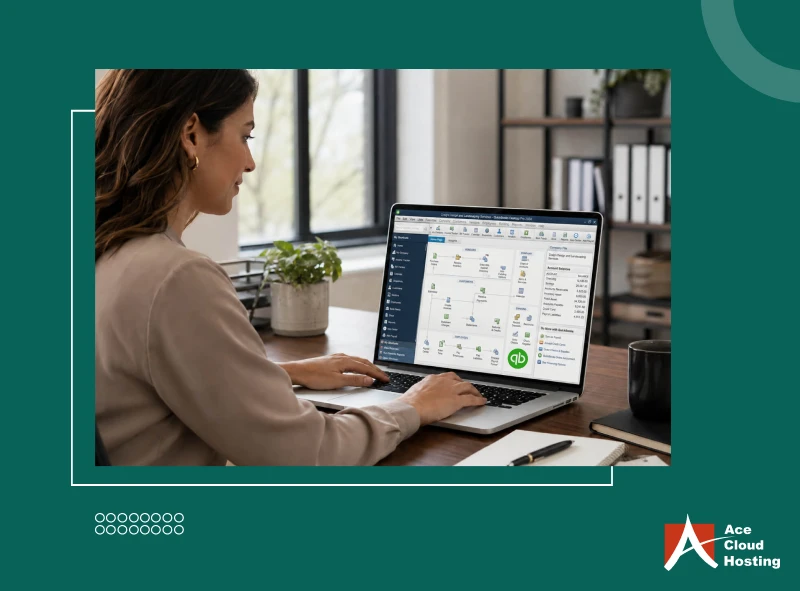
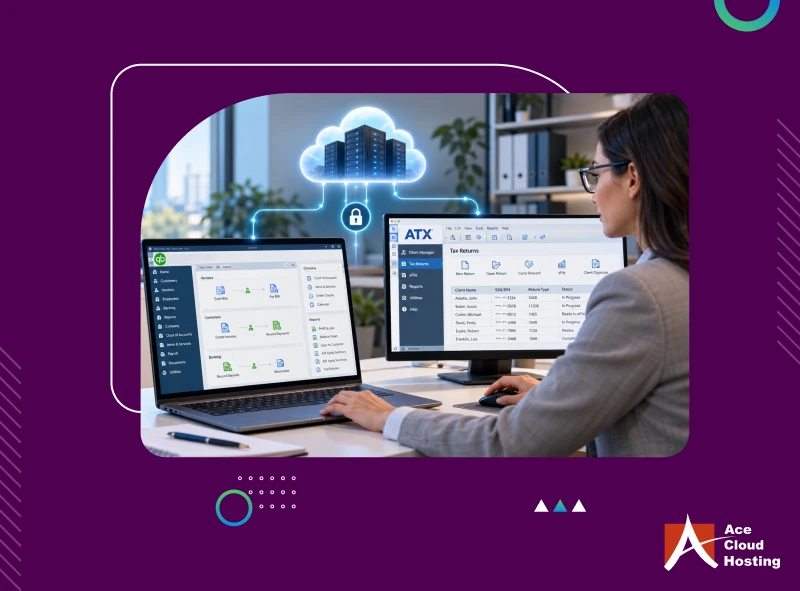
QuickBooks hosting offers a practical middle ground. Instead of installing QuickBooks Desktop on a local computer or office server, the application and its data are hosted on a cloud server and accessed remotely. This allows accountants to retain their familiar QuickBooks Desktop experience while gaining the accessibility, scalability, collaboration, and security advantages of cloud infrastructure.
Let’s explore why QuickBooks hosting continues to be a practical choice for experienced accountants.
1. To Get the Same QuickBooks Experience
Some years ago, Intuit introduced its SaaS-based accounting solution, QuickBooks Online. However, experienced accountants who have worked on QuickBooks Desktop for years find it challenging to adapt to the new user experience. They want to keep abreast of new technological developments while getting the same user experience.
QuickBooks hosting offers them exactly that. They get to work on their preferred accounting solution with all the benefits of the cloud. This familiarity ensures easy adoption as they can remotely access QuickBooks Desktop and data by opening a web browser and logging in to the cloud portal. The rest of the user experience stays the same.
2. To Break the Age-Old Tradition of Working from the Office
Traditional accountants who work on QuickBooks Desktop have worked consistently from the office for years. However, since the pandemic, a majority of them have realized the importance of having a work-life balance. Also, having no flexibility in the workplace impacts mental health.
QuickBooks hosting gives them the flexibility they need to maintain work-life balance. Since QuickBooks Desktop is not installed on a single local workstation, they can access it from internet-connected devices, such as laptops and tablets, while at home or on vacation. It helps them prevent mental stress, which in turn enhances productivity.
Work securely from anywhere without changing the QuickBooks Desktop experience you know.
3. To Protect Their Data
Managing accounting data on-premises has become a daunting task for experienced accountants given the ever-evolving threat landscape. They need to update their security protocols regularly to counter the new-age AI-powered threats that can identify even the minor vulnerabilities in the network. However, given the confidential nature of client data, data security is non-negotiable, as these threats can put any accountant out of business.
QuickBooks hosting can strengthen the security of accounting data by moving applications and files from individual workstations to a centrally managed cloud environment. Firstly, as the data is not stored locally, any security incident, such as theft or damage to the local workstation, does not cause data loss.
Secondly, in the cloud, service providers deploy a robust security infrastructure with advanced features, such as two-factor authentication, 256-bit data encryption, gateway firewall, antivirus, antimalware, Intrusion Detection & Prevention (IDPS), and patch management.
Accountants can also implement role-based access at the folder and file levels to prevent unauthorized access. Moreover, their data centers deploy multi-level authentication, 24/7 CCTV surveillance, and DDoS detection systems to safeguard the cloud infrastructure.
4. To Navigate the Compliance Landscape
Experienced accountants must increasingly manage requirements around protecting client and taxpayer information. For example, the FTC Safeguards Rule requires covered financial institutions to maintain administrative, technical, and physical safeguards, while the IRS requires tax professionals to maintain a Written Information Security Plan (WISP).
QuickBooks hosting does not make a firm compliant by itself. Still, the right provider can support its compliance efforts through security controls such as MFA, encryption, access management, backups, monitoring, and documented security practices. This reduces some of the infrastructure burden while accountants remain responsible for their broader compliance obligations.
5. To Collaborate Without Sharing Files Back and Forth
When QuickBooks Desktop is installed on a local workstation, collaboration can become cumbersome. Accountants may need to exchange files, maintain multiple copies, or wait for another team member to finish working before accessing the latest data. This can create version-control issues and slow down workflows.
QuickBooks hosting allows authorized users to access the same hosted QuickBooks environment from different locations. Team members can work with up-to-date accounting data without repeatedly transferring files between devices. This makes collaboration easier, reduces file-version confusion, and helps experienced accountants work more efficiently with colleagues and remote teams.
6. To Stay Competitive in the Industry
With the evolving accounting practices, staying competitive and relevant in the industry is essential. New technologies, such as agentic and generative AI, are increasingly being adopted to meet client expectations and streamline workflows.
According to a poll, 42.7% of respondents agreed that AI agents increase their efficiency and productivity. However, these technologies are resource-intensive and require high-performance infrastructure for parallel processing. Investing in such high-end infrastructure is not feasible for any accountant, as it requires specialized expertise and significant investment.
QuickBooks hosting enables experienced accountants to modernize one of their core applications without rebuilding established accounting workflows. With QuickBooks accessible through a managed cloud environment, firms can spend less time maintaining local infrastructure and more time evaluating automation, AI, advisory platforms, and other technologies relevant to their practice.
7. To Eliminate IT Hassles
Time is of the essence for any accountant, especially during peak periods. However, the recurring issues with your workstation cause interruptions and downtime that you can’t afford. Without a competitive IT team, minutes of disruption can stretch into hours.
QuickBooks hosting relieves you of these unwanted worries, as the provider takes care of IT management. Their cloud experts monitor the system for anomalies and resolve issues at the backend without hampering your operations. Moreover, they offer 24/7/365 customer support for quick response and resolution to all your issues.
8. To Be Cost-Efficient
The profits earned by any accountant are the difference between the revenue generated and costs incurred. While an experienced accountant may have a large clientele, they need to incur significant IT costs. Firstly, you must invest in deploying and setting up workstations and other in-house IT equipment. Moreover, there are recurring costs for managing, monitoring, and upgrading the IT infrastructure.
With QuickBooks hosting, as QuickBooks and data are hosted in the cloud, there is no need to invest heavily in in-house IT infrastructure. Consequently, all associated upgrade and maintenance costs are also negated.
9. To Grow With Ease
Experienced accountants require an IT solution that can grow with their practice. They don’t want to waste time on frequent IT upgrades in response to every influx of data and application updates. However, that is the case with local workstations.
On the other hand, the cloud offers them unparalleled scalability. As your database expands and QuickBooks updates, cloud providers instantly upgrade the resources required. Moreover, during peak periods, the cloud ensures superior performance by automatically scaling to meet the demands.
See how your familiar QuickBooks workflow works from anywhere.
Enter The New Era of Accounting With QuickBooks Hosting
QuickBooks hosting offers accounting professionals who have spent years working in the industry the opportunity to evolve with the latest technological developments while retaining their trusted QuickBooks Desktop software. It gives them enhanced flexibility, robust data security, automated scalability, all-time availability, and more.
Want to see QuickBooks hosting in action? Book a 7-day trial or a hosted QuickBooks demo.












![QuickBooks Online vs Desktop: What’s The Difference? [2026]](https://www.acecloudhosting.com/wp-content/uploads/2023/05/difference-between-quickbooks-online-and-quickbooks-desktop-og.webp)