Table of contents Toc Icon
Table of contents Toc Icon
Before anything is said and done, please be absolutely cautious when it comes to password keeping.
Choose a password that you won’t possibly ever forget and if you don’t [Due to security reasons and cyber crime being at par], store your password at a safe location online or offline, so you can refer to it if such a dire situation presents itself.
Step 1 – Open the ‘Forgot Password’ page.
Step 2 – Enter your designated User ID.
Step 3 – Enter your e-mail address.
Step 4 – A security PIN will be sent to the e-mail address associated with your Intuit Account. Hence, make sure you enter a working ID.
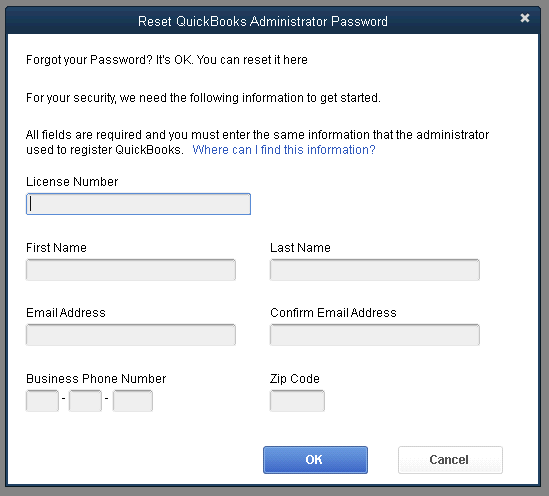
Step 5 – Enter the security PIN.
Step 6 – Answer the security question that follows.
Step 7 – Enter a new password and confirm the details.
Your password is henceforth changed, and chuck the password complacency issues for now and you shall be golden!.
Our experts are ready to assist with setup, troubleshooting, or any product issue. Get in touch now!